
NAIT IT expert explains a key defense against data breaches
Eric Springler (Computer Systems Technology '96) tries not to focus too much on passwords.
That may sound strange to hear from someone in the role of NAIT’s chief information security officer but Springler has good reason. Malware can record keystrokes, and human brains can only hold so many combinations of letters, numbers and symbols.
“If you’re not typing in your password, that’s probably for the best,” he says.
We talked to Springler, who oversees online security for one of Alberta's largest post-secondary institutes, about an alternative to the practice of keying in sequences that, in 2020, enabled four out of every five data breaches.
“It’s a convenience as well,” says Springler. “I’d rather have my password manager punch in my password for me.”
One password to rule them all

A dictionary hardly sounds like a nefarious tool. But in the world of cybercrime, it’s a list of usernames and common passwords that hackers cycle through to quickly crack an account. It's like a lock-pick set in the hands of a veteran criminal.
One solution is to have a password made for you that no dictionary will contain. To that end, “Everybody should have a password manager,” says Springler.
A good password manager app builds strong, distinct passwords for each of your accounts and stores them encrypted until they’re required, relieving you of the need to keep track of them.
“There’s no reason you should know your passwords anymore,” says Springler. “You should know your password manager’s password, and that’s it.”
Likely, you’ll never be as good at password creation and management as an app anyway.
Make that a strong password
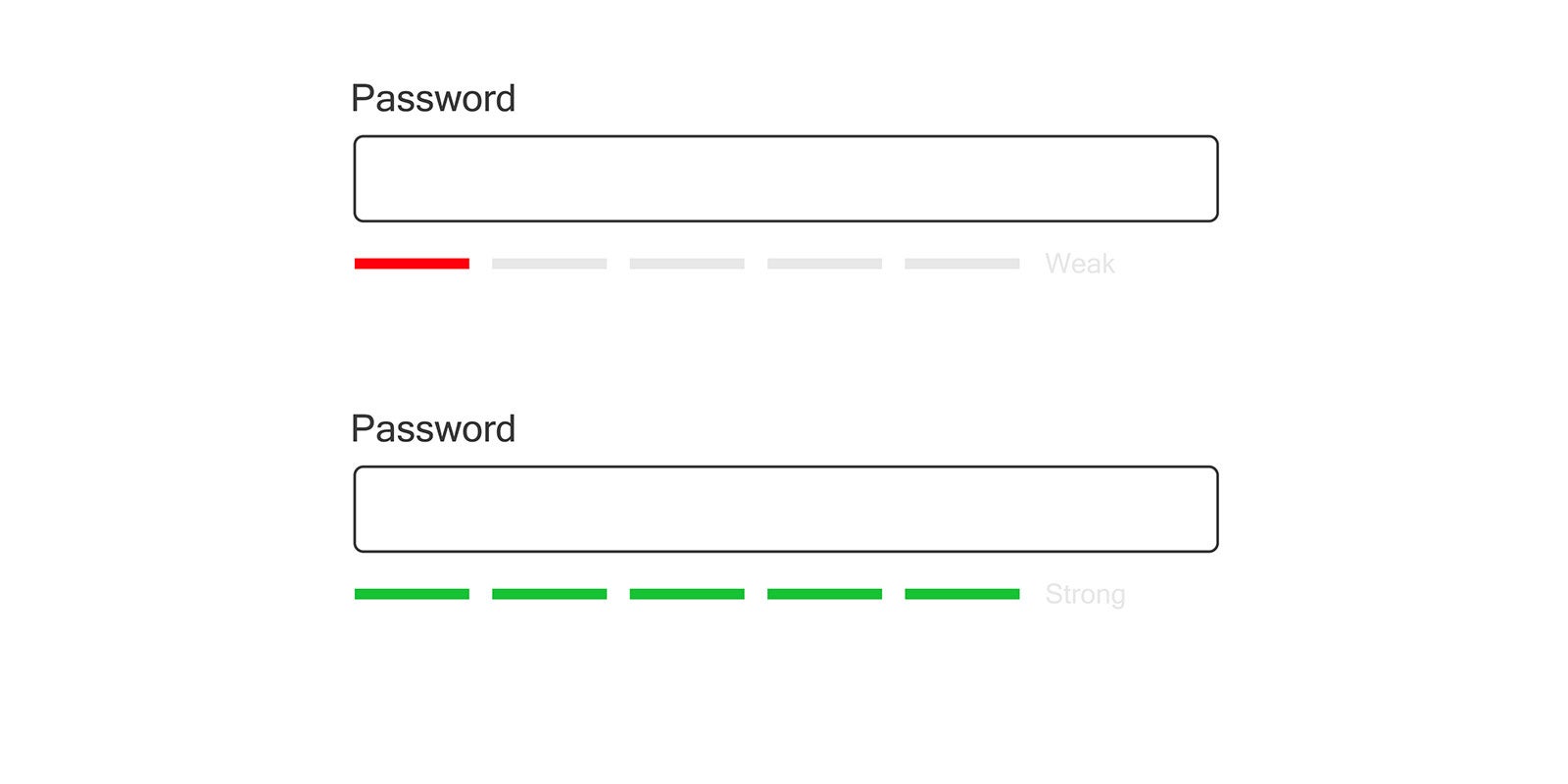
Password1234, or anything remotely as simple, is a bad password for your password manager, which is a gateway to accounts that include everything from Instagram to your online banking.
Don’t use any words that have a discoverable personal connection to you. Throw upper- and lowercase letters randomly into the mix, along with numbers and special characters.
What’s more, “Passwords get progressively more difficult to hack the longer they are,” says Springler. Try a passphrase, he suggests, or a series of words that’s easy to remember but tough to guess.
Enable multi-factor authentication

As breaches via usernames and passwords increase, many sites have implemented multi-factor authentication as another safety feature against hackers. This tool is dependent on a device you alone will have.
A hacker may crack your password, for example, but they won’t have your smartphone – to which the account will have delivered a code or request an action required to complete the sign-in process.
“I highly recommend – especially if you’re not going to use a password manager – to enable multi-factor authentication,” says Springler.
Better yet, do both.
Banner image by Ivan-Slobodianiuk/istockphoto.com
If you enjoyed that article, try these:
Northern Alberta Institute of Technology
Mailing Address:
11762 - 106 Street
Edmonton, AB, Canada, T5G 2R1
At NAIT, we honour and acknowledge that the land on which we learn, work and live is Treaty Six territory. We seek to learn from history and the lessons that have come before us, and to draw on the wisdom of the First Peoples in Canada. Only through learning can we move forward in truth and reconciliation, and to a better future together. Read more
About techlifetoday
Techlifetoday is the source for NAIT alumni and students to discover news about the polytechnic, and insights, advice and inspiration from the NAIT community to help them build successful careers and lead fulfilling lives.
